01
Draw the room
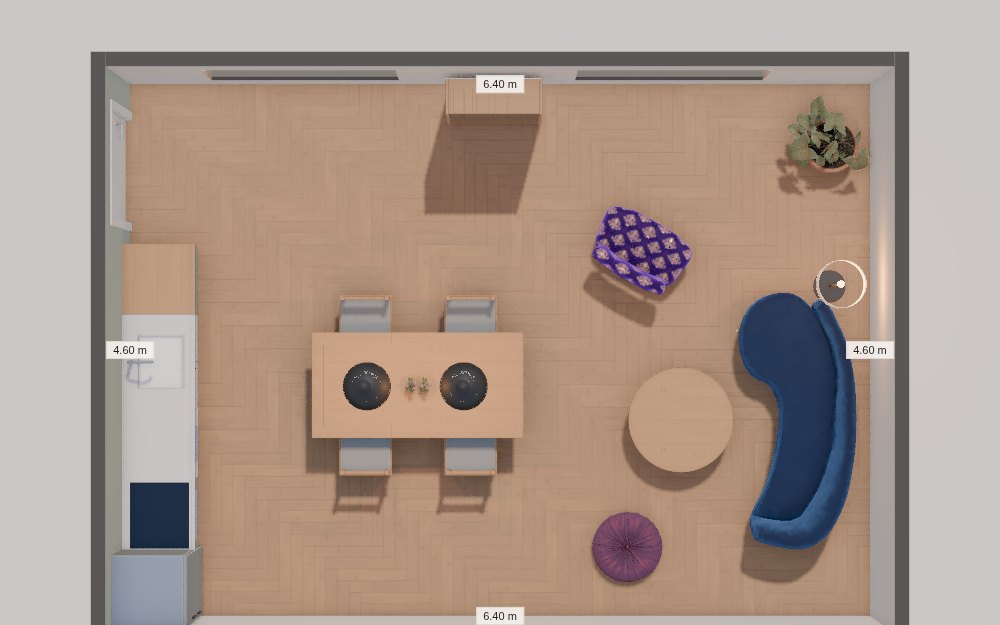
Pick a shape and type its size, or draw it wall by wall. Drag walls, type exact lengths, add doors and windows.
Room planning, in 3D
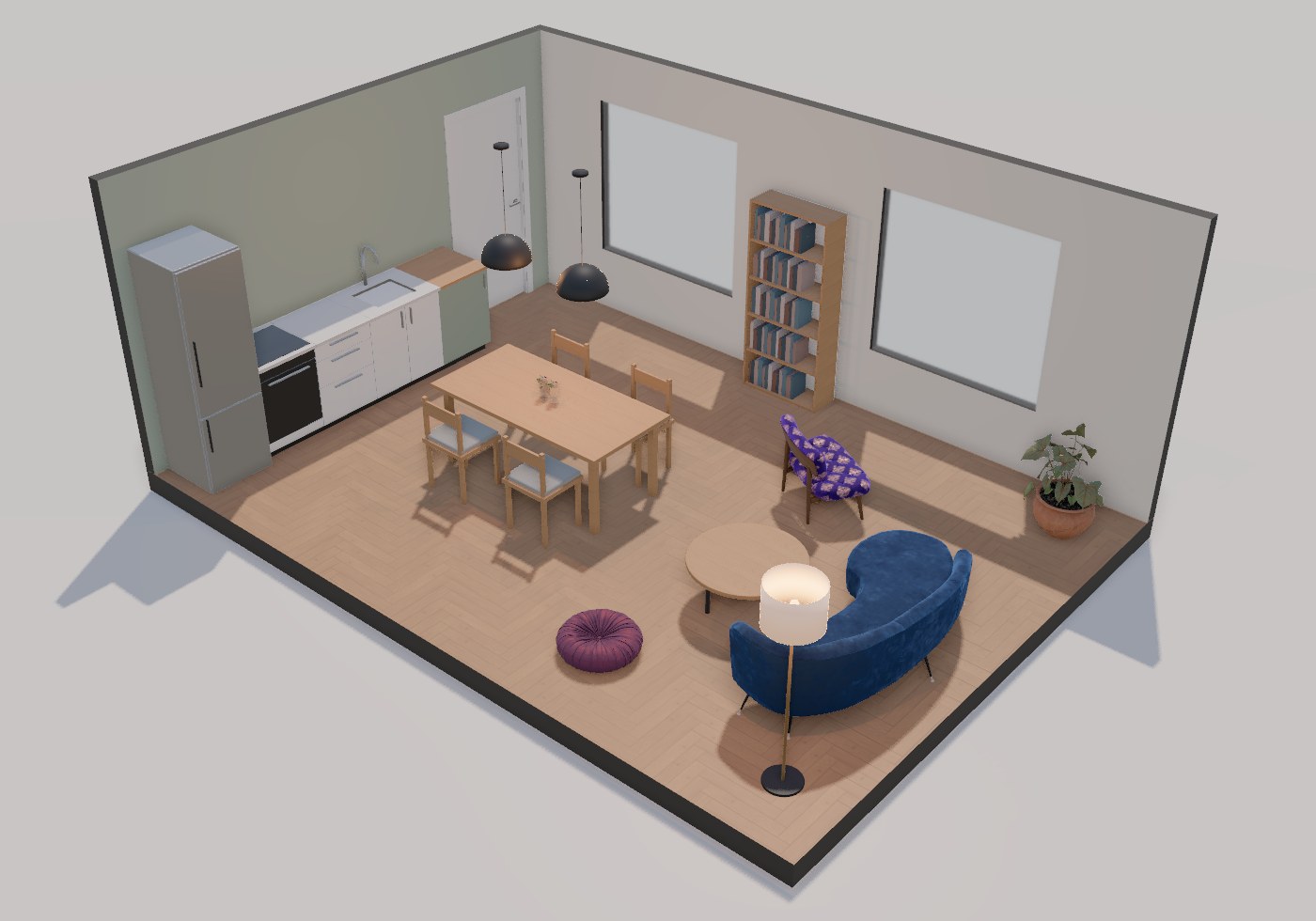
Draw your walls, lay real floors and tiles, furnish from the ARK library and walk through it in 3D. Tell the assistant what you want and it changes the plan for you.
How it works
Pick a shape and type its size, or draw it wall by wall. Drag walls, type exact lengths, add doors and windows.
Tiles and wood floors are laid piece by piece in their real sizes, paint goes on any wall. Furniture and lamps go in at their real size and back onto the wall where you drop them.
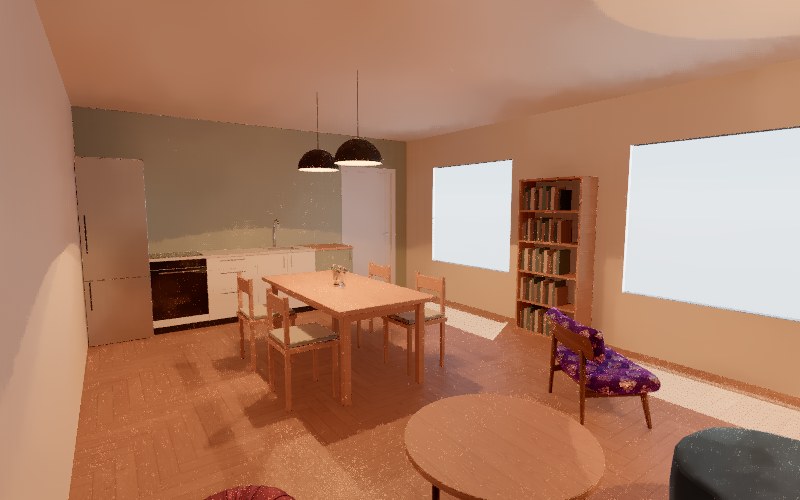
Walk through at eye height, change the time of day, switch the lamps on, and take ray-traced pictures of the room.
The assistant
The assistant uses the same tools you do: it moves walls, lays floors, places furniture and lamps, and looks at the room to check its work. Every reply is one step you can undo. Attach a photo or a floor plan and it works from that.
Part of Premium, from $30 a month. A reply costs what its AI work costs; a short edit is usually under one credit.
For example
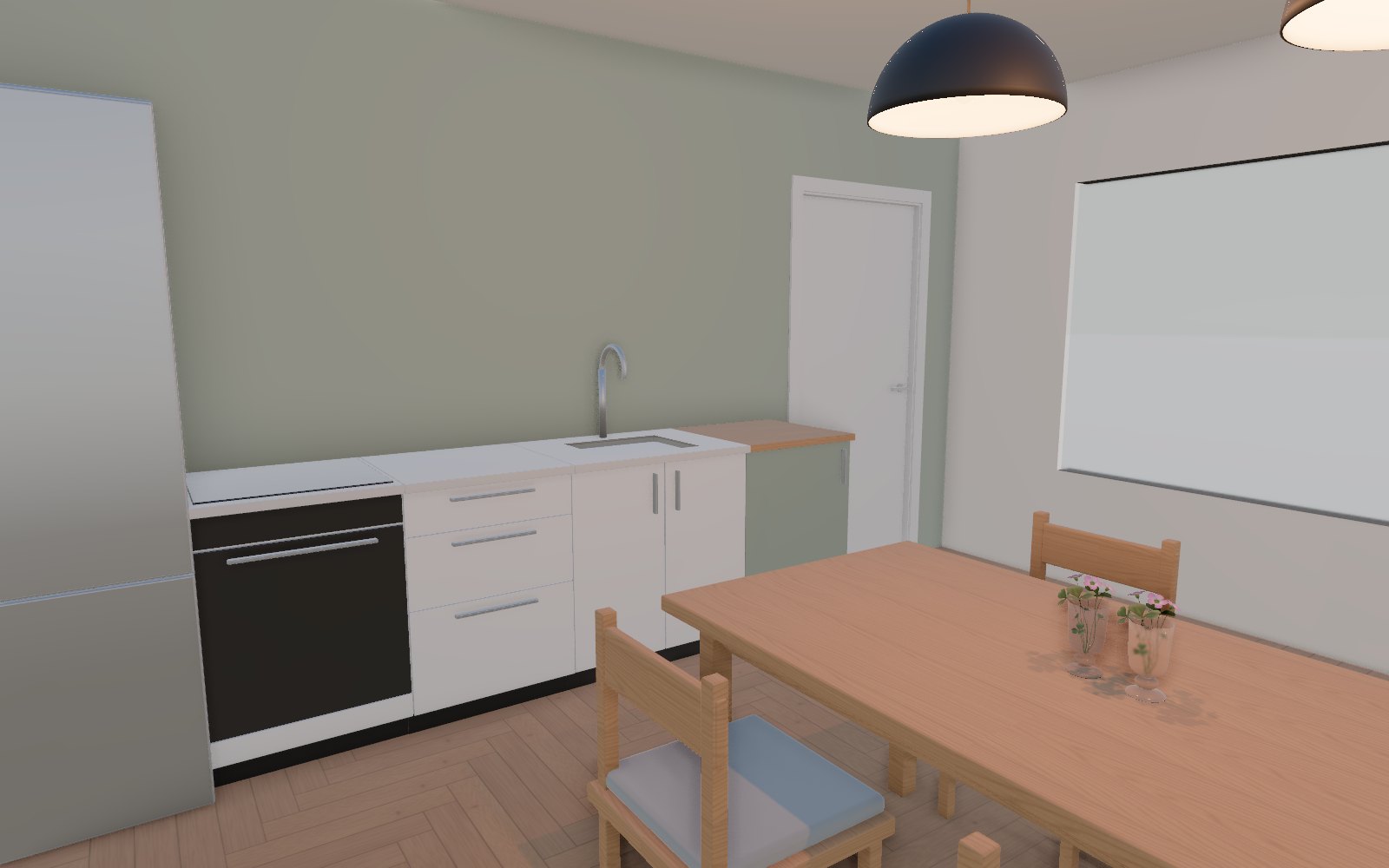
Put an oak dining table under the pendant lamps, with four chairs, and make the wall behind the kitchen sage green.
Placing the table · adding chairs · painting the wall
Done. The table is centred under the two lamps with a chair on each side, and the kitchen wall is painted sage green.
Undo this
Features
A shopping list that counts boxes of tiles, packs of flooring and litres of paint, with extra for cuts.
Ray-traced images of your room, right in the browser. With Premium, refine them into photos with image generation.
Sunlight through your windows at the time you choose, and lamps you can switch on and dim.
Walk around at eye height, or slice through the room to see inside.
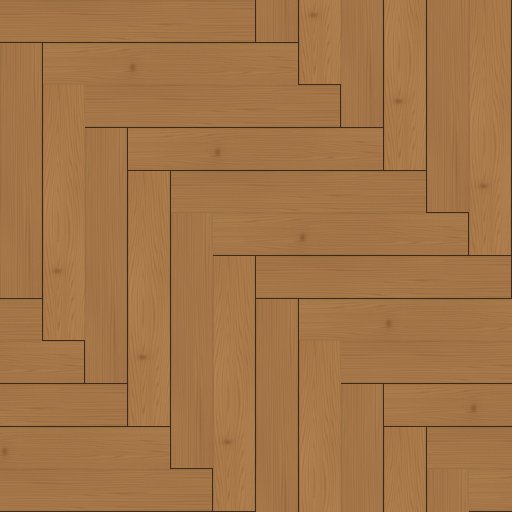
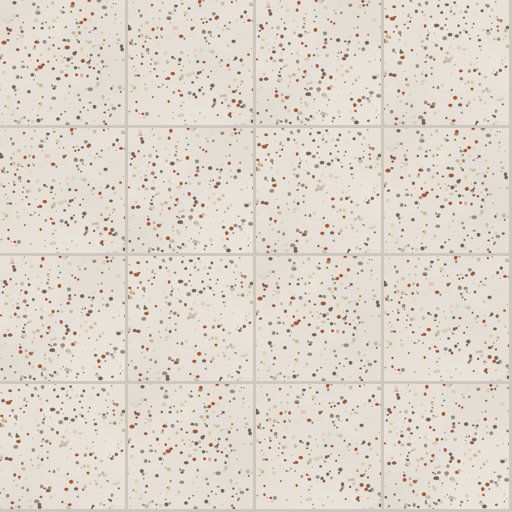
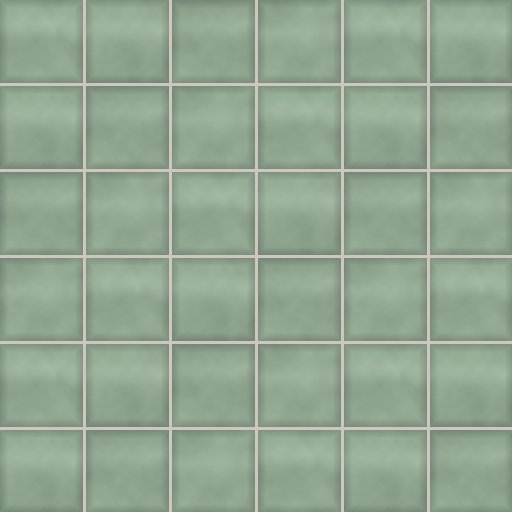
Paints, wood floors, tiles, kitchens, bathrooms, furniture and lamps, ready to place.
When a store makes a plan for you, it appears next to your own projects.
Public projects
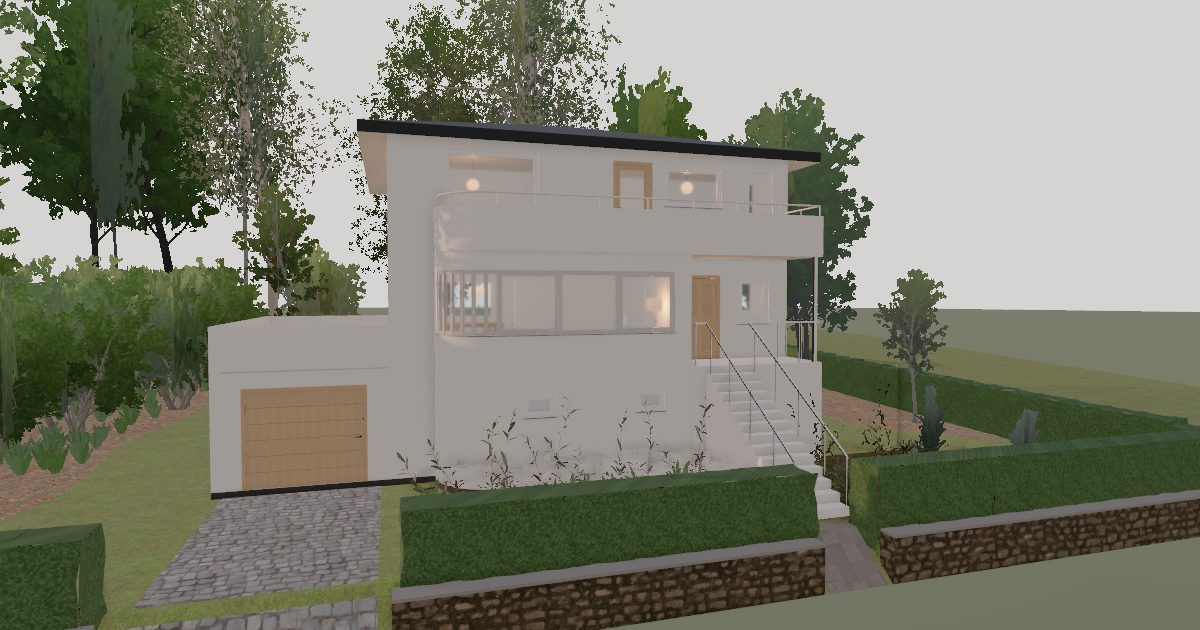
Homes and rooms people have shared from ARK Planner. Open one to look round it in 3D and walk through it. See them all
The ARK library
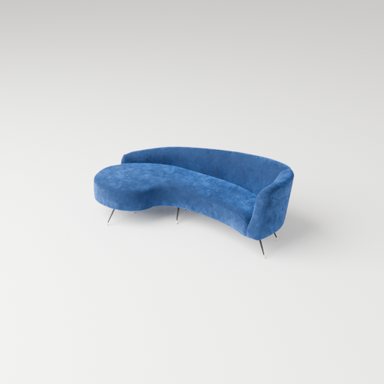
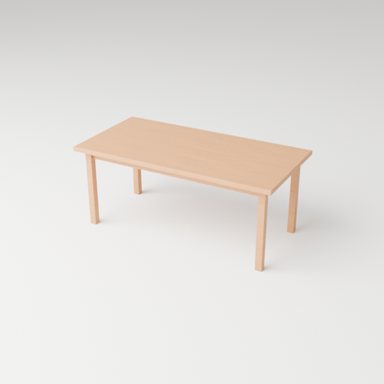
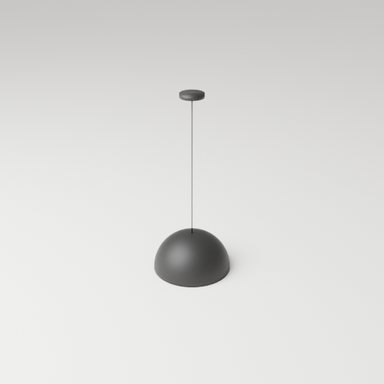
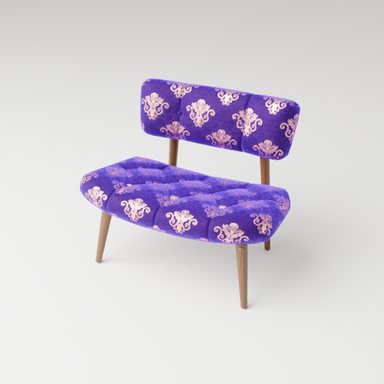
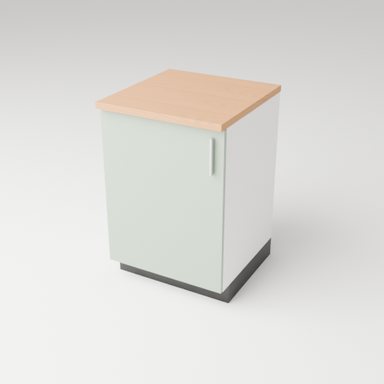
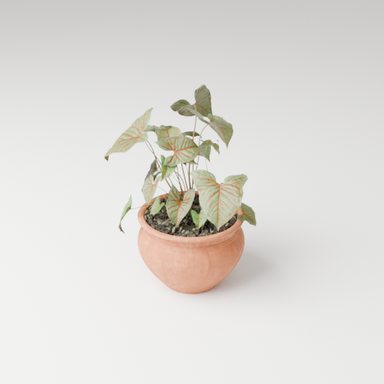
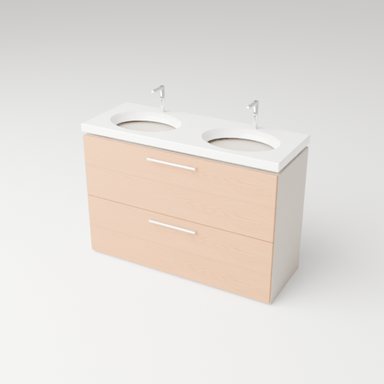
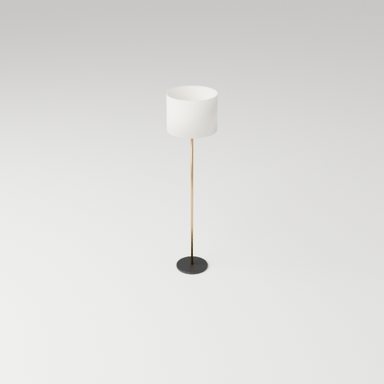
Every account starts with the ARK library. Premium adds the catalogues retailers share, so you can plan with products you can actually buy.

Pricing
Drawing, furnishing, 3D and rendered pictures are included in every plan. Credits pay for the AI work of Premium: the assistant and image generation, at what the AI models cost.
$0per month
The planner, without AI
During the beta, accounts are by invitation.
$30per month
Paid monthly by card. During the beta, request access first.
$40per month
$30 for the credits + $10 Studio fee
Paid monthly by card. During the beta, request access first.
Customper company
Credits and seats to fit your team
Extra credits
Running low? With Premium or Studio you can buy credits whenever you need them. They are used after your monthly credits and last until your credits next top up, when every account starts again from its plan's monthly credits.
For stores
Tiles, paint, floors, kitchens or furniture: your staff plan the room with the customer, with your products, prices and quantities, and hand the plan over with a link or a QR code.
Contact salesYour own library
Your products, set up for you by ARK, next to the ARK library.
Seats for your team
Two seats included; add more as you grow.
Customer records
Find a customer and every plan made with them.
Share with customers
Customers open the plan at home and keep planning.
Questions
Credits pay for the work that runs on AI models: the assistant and image generation. Each costs what its AI model calls cost us, counted token by token, at 1.5 credits per dollar. A short edit with the assistant usually costs under one credit and a photo-real picture about 0.2 credits. Everything else is included.
No. On the 1st of every month your credits are topped up to your plan's monthly credits; whatever was left, including credits bought during the month, does not carry over.
Yes, any time, from your plan page. You keep your plan until the end of the period you paid for, then your account goes back to Free.
They stay. Free holds one project at a time; delete it to start another, or upgrade for unlimited projects. Projects you made before keep working.
No. ARK Planner runs in the browser on any computer with a recent browser.
Stores and companies use ARK Planner Enterprise with their own catalogue, staff seats and customer records. Contact sales to set it up.
Free, with the full planner and one project. Upgrade for the assistant whenever you like.
Create a free account